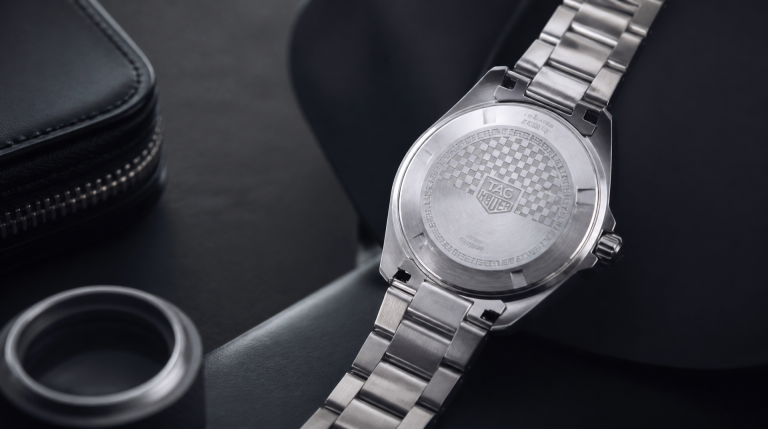
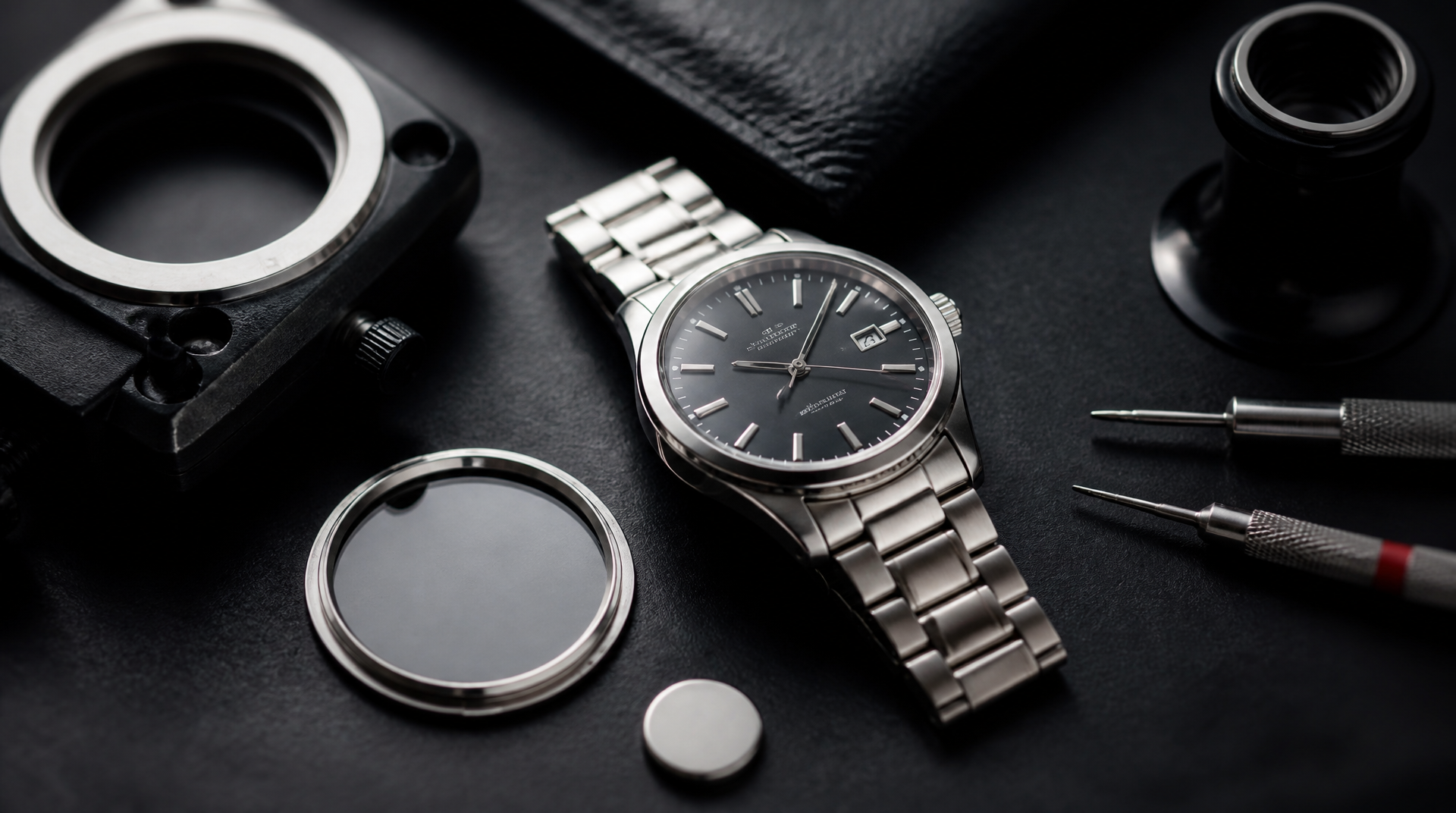
Replacing a Bulova watch battery at home takes about 15 minutes and costs far less than a jeweler visit once you know the right coin-cell battery—often a 371, 377, or CR2016, depending on the model. Most Bulova quartz watches with a snap-off case back are straightforward to open, but press-fit case backs need a watch press to reseal correctly. The most common failure shows up days later: the watch loses its water resistance because the gasket wasn’t seated flat or the case back wasn’t pressed down evenly. Before you wear the watch again, check for a uniform gap between the case and the back—if you see a thin opening or feel a lip, do not get the watch wet until the back is properly resealed.
Before You Open the Case: Tools, Battery, and Sealing Prep
Tools That Match Your Case Back
- A case opener that matches your Bulova’s back: a case knife or Snap-Back opener for snap-off lids; an adjustable Jaxa-style wrench or coin-opener for screw-down backs; and a watch press with flat dies if your model uses a press-fit back.
- Non-magnetic tweezers or a plastic-tipped tool to handle the battery without shorting it.
- A soft work mat to protect the crystal and catch small parts.
- A dust blower or a clean, dry microfiber cloth.
Find the Correct Bulova Battery
Many Bulova quartz watches have the battery size engraved inside the case back or printed on the movement spacer. If not, you can match it by model group:
- Bulova Marine Star three-hand models frequently use a 371 (SR920SW).
- Some chronograph versions take a 377 (SR626SW) or 395 (SR927SW).
- Bulova Precisionist and Accutron II movements often use a CR2016 (3V lithium).
Always double-check by opening the back and reading the number stamped on the old battery. Never install a battery that is thicker than the original—it can stop the movement from advancing or damage the coil.
Water Resistance and Gasket Readiness
If your Bulova is rated for any water resistance (50m, 100m, etc.), the case-back gasket must be inspected and lubricated with silicone grease before reassembly. The original rating only holds if the gasket is intact and the back is sealed with even pressure. Skipping this step is why many home battery changes end with a fogged crystal after a handwash.
Battery Replacement: Walkthrough for Snap-Off, Screw-Down, and Press-Fit Models
1. Remove the watch band and secure the case.
Take the band off or slide the spring bars out so nothing snags. Place the watch face-down on a soft mat with the case back facing up. Use a watch holder if you have one; otherwise a steady hand is fine.
2. Open the case back according to type.
Snap-off case back: Slide the blade of a case knife into the lip where the back meets the case, usually near a small notch. Gently twist the knife to pop the back free. Do not pry from the cutout for the stem—that can bend the case.
Screw-down case back: Fit the Jaxa wrench prongs into the notches on the case back and turn counterclockwise. If the back is tight, a coin-style opener with a tight-fitting ridge often works better. Mark the back-to-case alignment with a Sharpie so you can return the threads to the same position.
Press-fit (monobloc) case back: These require a watch press to install correctly. If you open it by prying, you’ll almost certainly bend the back and ruin the seal. Consider having this type serviced by a jeweler unless you own a press and the correct dies.
3. Remove the old battery.
Once the back is off, note the orientation of the battery—most sit positive side up (writing visible). Use non-magnetic tweezers or a plastic tool to slide the battery out from under the retention clip or holding ring. Avoid touching the coil or circuit board with bare fingers; skin oil can cause long-term corrosion.
4. Fit the new battery.
Place the fresh battery in the same orientation. If there is a plastic film or insulator under the battery, do not throw it away. Gently press the battery until it sits flat under the clip. On chronograph movements, short the AC contact to the battery positive with metal tweezers as described in the movement manual—this resets the circuit and puts the hands back in motion.
5. Check that the movement runs.
Before sealing, look through the crystal: the seconds hand should begin to tick. On a chronograph model, pull the crown to the time-setting position and push the buttons to verify the sub-dials reset to zero. If nothing moves, re-seat the battery and confirm the insulator is not blocking contact.
6. Reinstall the case back and gasket.
Inspect the rubber gasket inside the case back or ring. Apply a thin coat of silicone grease with a fingertip—just enough to make it shiny, not wet. For snap-off backs, align the back squarely and press the case back into place with firm thumb pressure, then use a watch press to snap the final millimeter with even force. For screw-down backs, thread them by hand first and then tighten gently with the wrench. Never force a cross-threaded back.
Where People Get Stuck—and the Water Resistance Risk
The most expensive failure after a battery swap is a ruined movement from moisture ingress. Here’s how it starts and what to catch early.
Gasket Pinched and Creating a Hairline Gap
When the case back is pressed on unevenly, the rubber gasket can roll out of its groove. You can spot this by running a fingernail along the seam between the case and the back. If you feel an edge where one side sits higher, or you see a dark line that isn’t uniform all the way around, the back isn’t sealed. Immediately open and re-seat the gasket—a tiny smear of silicone grease on the gasket’s surface helps it glide into the groove without twisting.
Battery Clamp Bent During Removal
A bent clamp can press the battery at an angle, causing the movement to stop intermittently—the watch might run for an hour and then quit. After reassembly, set the watch on a flat surface and watch the seconds hand for a full minute. If it stutters or stops, reopen and straighten the clamp gently with fine needle-nose tweezers. Work slowly: over-bending can snap the thin metal.
Chronograph Sub-Dials Don’t Center on Reset
If the sub-dial hands don’t return to zero after a battery change, the hand may have shifted during handling. Pull the crown to the time-set position and press the lower pusher repeatedly to nudge the hand back to zero, following the movement’s calibration sequence. If that fails, the hand needs a watchmaker’s touch.
Crown or Stem Not Fully Seated
When you reinsert the crown after the change, push it gently while rotating slightly until the case tube clicks. A partially inserted stem lets dust and moisture inside, even if the case back is sealed.
Confirm the Repair: A 60-Second Success Check
Use these checks before you strap the watch back on. They catch the common silent failures that show up later.
- Movement check: With the crown fully pushed in, watch the seconds hand for a full 60 seconds. It should move in a steady, uninterrupted sweep (or crisp ticks on quartz models) with no hesitation.
- Hand setting check: Turn the crown to set the time in both directions. The hands should follow without slipping. If the watch has a date, advance the hands past midnight and confirm the date flips within ±5 minutes of 12:00.
- Crown feel: The crown should push in with a distinct click and not wobble. If it feels spongy, the stem isn’t locked; reopen and reseat it.
- Seal integrity test: Run a dry cotton swab all the way around the seam between the case back and the case middle. If the swab catches even a single fiber of cotton, the gasket is pinched or the back is uneven. A properly closed case back will pass the swab smoothly without snagging. Do not expose the watch to water until this test passes.
If the watch fails any of these checks, open it again and inspect the battery orientation, gasket placement, and clamp before continuing to wear.
Bulova Battery FAQs
How long does a Bulova watch battery last after replacement?
Most fresh silver-oxide batteries (371, 377) last 18–36 months, while lithium cells like CR2016 in Precisionist models can run 3–5 years. Heavy chronograph use shortens lifespan noticeably.
Can I replace the battery in a Bulova Precisionist or Accutron II myself?
You can, but these movements use a 3V lithium coin cell and often require a short reset of the circuit by bridging two contacts. Handle the movement carefully—Precisionist coils are delicate and costly to repair if damaged.
Does changing the battery void a Bulova warranty?
Bulova’s warranty typically requires service by an authorized technician to remain intact. If the watch is under warranty, have the battery changed by an approved service center to protect the coverage.
Why is my newly replaced battery draining in a few days?
A drained battery right away usually means the movement is stuck or the circuit is shorting. Check that the insulator is fully under the battery and that metal tweezers didn’t accidentally bridge the battery terminals during installation, creating a short circuit. Re-seat the battery with a fresh insulator and confirm the movement runs with a new cell. If draining repeats, the movement likely has an internal fault needing professional service.
Explore This Topic
- Back to Bulova
- Back to Bulova Battery
Related guides in this cluster:
- Fossil Watch Battery Replacement: Complete Guide for All Models
- How to Replace a Fossil Watch Battery: Step-by-Step Guide for All Models
- How to Replace a Movado Watch Battery: Complete Step-by-Step Guide

The We Know Watches editorial team brings together over 40 years of combined watch collecting, trading, and repair experience. Our editors have owned and handled watches from every major brand — from entry-level Seiko 5s to Rolex, Omega, Patek Philippe, and independent Swiss watchmakers. We’ve bought and sold at auction, worked with authorized dealers, visited manufacturing facilities in Switzerland and Japan, and serviced hundreds of movements ranging from the Seiko 7S26 to the Longines L888. Every guide and review we publish is based on hands-on experience, original research, and consultation with professional watchmakers. We do not accept payment for reviews, and we clearly disclose when we use affiliate links.